Keyholder notes
With keyholder notes, keep private notes about your wearers and their sessions, so you never forget what matters.
Introduction
As a keyholder, you can write a private note about each wearer and each session. Use them to remember preferences, limits, task ideas, or anything that helps you run the session.
Notes are private: only you can see them. The wearer is never shown the notes you write about them.
Keyholder notes require a Chaster Plus subscription.
Writing notes
Open your keyholder dashboard and select a wearer. If you have not written any notes yet, click Add a note in the panel. The notes section appears with two tabs:
- User notes: your note about the wearer. It follows them across all their sessions with you.
- Session notes: your note about the current session.
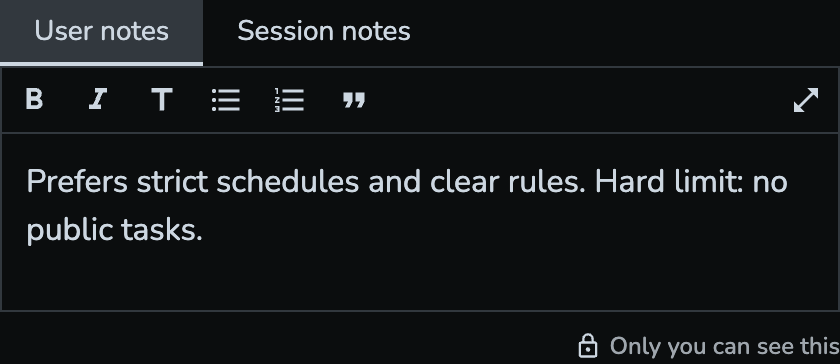
The editor supports rich formatting: bold, italic, headings, bullet and numbered lists, and quotes. Notes save automatically as you type: a "Saving…" indicator appears while saving, then "Saved" once done. Clearing all the content of a note deletes it.
Need more room? Use the expand button to open the editor in full screen.
Notes are kept when a session ends: session notes stay readable and editable from past sessions. Editing your note about a wearer requires an active lock with them.