Discover bondage locks
Besides creating your own bondage lock, you can join one created by a keyholder. Bondage shared locks are marked with a violet Bondage chip everywhere they appear.
The bondage pages of Explore and the lock type search filter are only available to accounts in the bondage beta.
Explore
On Explore, a Lock type switch at the top toggles between All and Bondage.

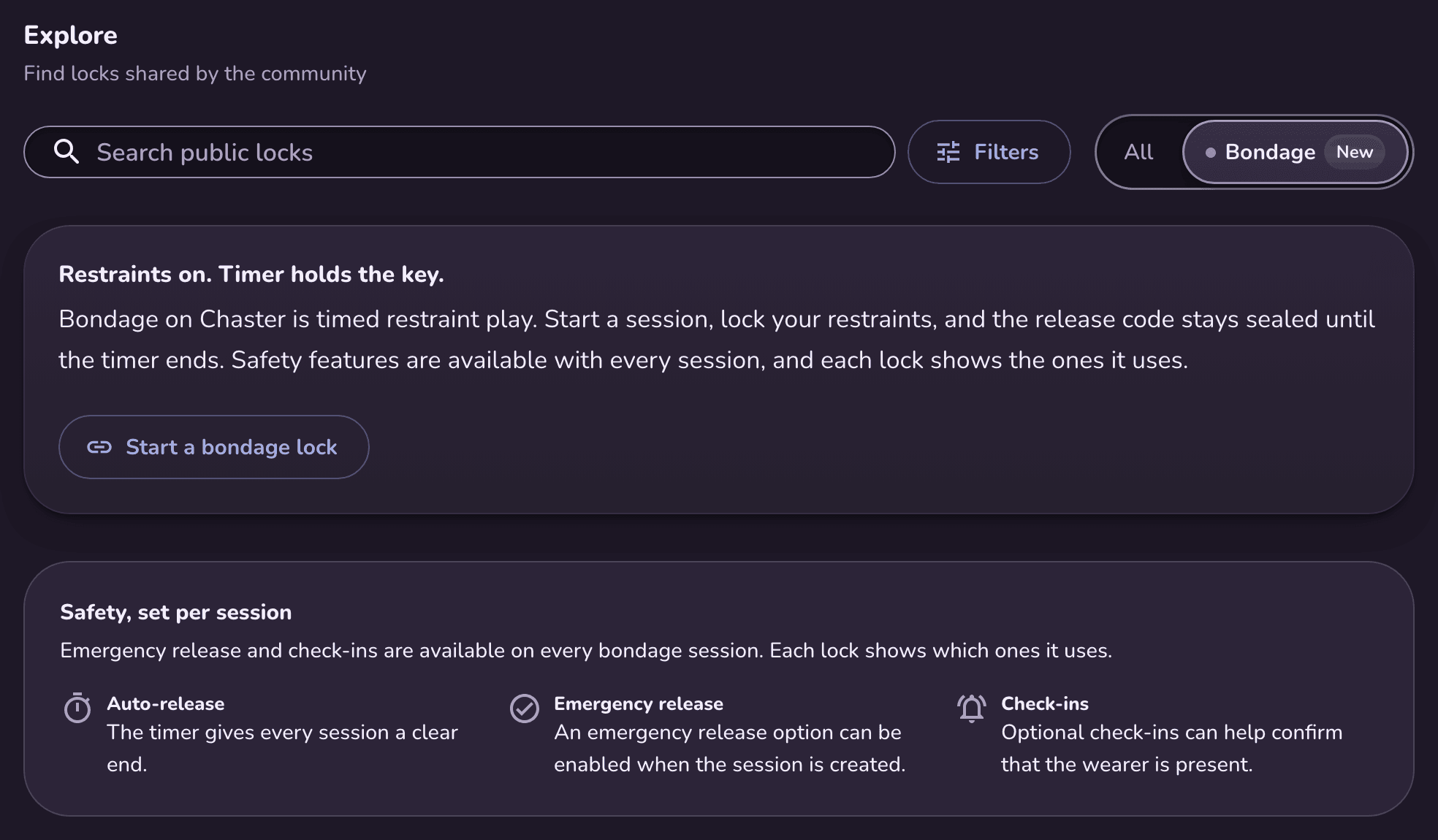
Bondage opens a page dedicated to bondage sessions:
- Restraints on. Timer holds the key. An introduction to bondage on Chaster, with Start a bondage lock to create your own.
- Safety, set per session: auto-release, emergency release and check-ins, and a reminder that each lock shows which ones it uses.
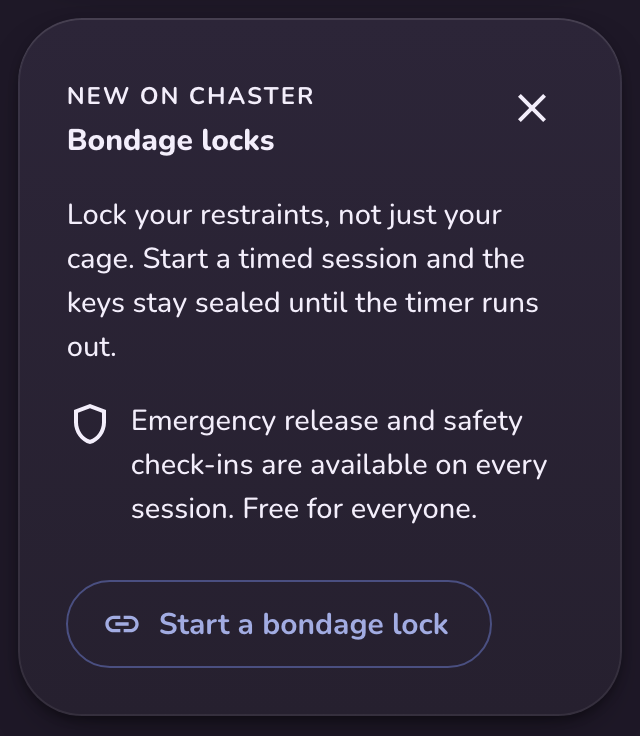
On All, a Bondage locks card introduces the feature. You can close it with Dismiss: it won't come back on your account.
Search
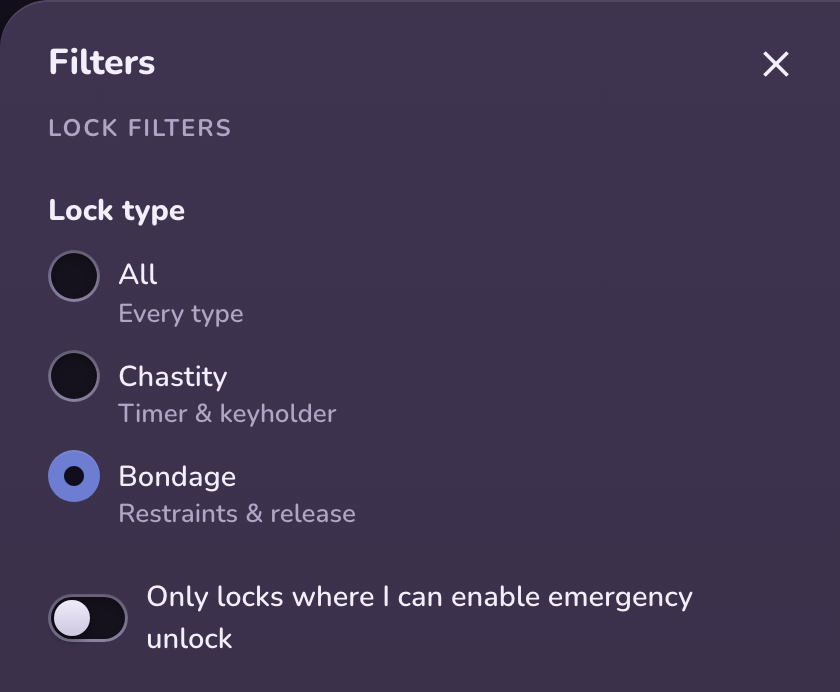
The search filters have a Lock type filter: All (every type), Chastity (timer & keyholder) or Bondage (restraints & release). Searching from the Bondage page of Explore sets it to Bondage. The same filter exists in your favorite shared locks.
The shared lock page
A bondage shared lock page has a Bondage safety section listing the safety settings you agree to by joining:
- Emergency release: On with its countdown, Off ("You can't end this session early yourself."), or Your choice when the keyholder lets you decide when you join.
- Safety check-ins: for example "Check-in every 5 minutes. If you don't confirm within 2 minutes, an emergency release is triggered.", or Off ("You won't be prompted to confirm you're OK.").
- Automatic unlock: On, or Off ("When your timer ends, you'll unlock manually from the session screen.").
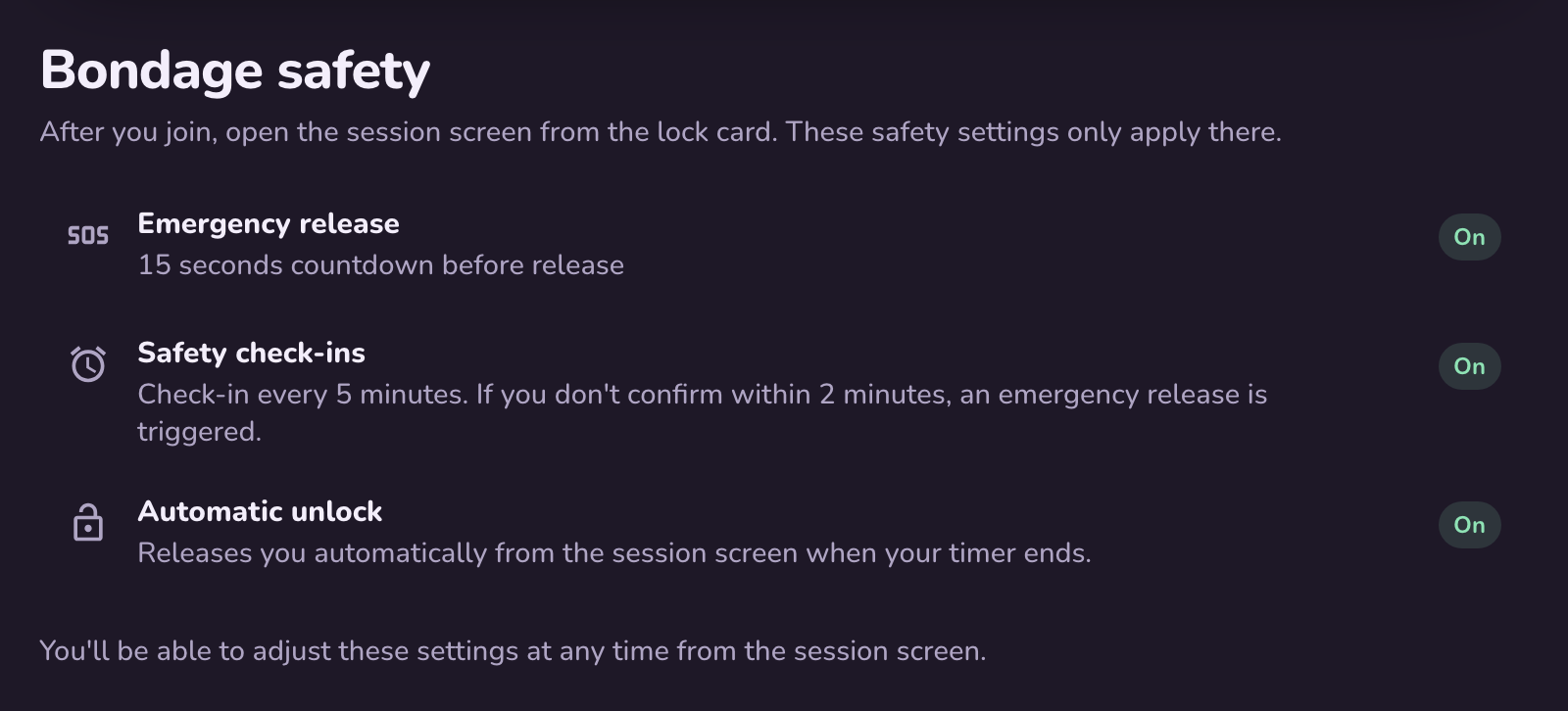
Below, it says who can change these settings during the session: you ("You'll be able to adjust these settings at any time from the session screen.") or only the keyholder.
Fewer safety options on this session means the lock has no emergency release or no check-ins. Only join if you have another safe way out of your restraints.
Every bondage lock has a maximum lock time: whatever happens to the timer, the lock is ready to unlock by then.
Join a bondage lock
Joining works as for any shared lock. The review step shows the bondage safety summary again: "Here's how your session with keyholder will run. Take a moment to review before you start." If the keyholder lets you choose emergency release, decide there.
After joining, lock your restraints, then tap Open bondage session on the lock card. See Session screen.
Shared links
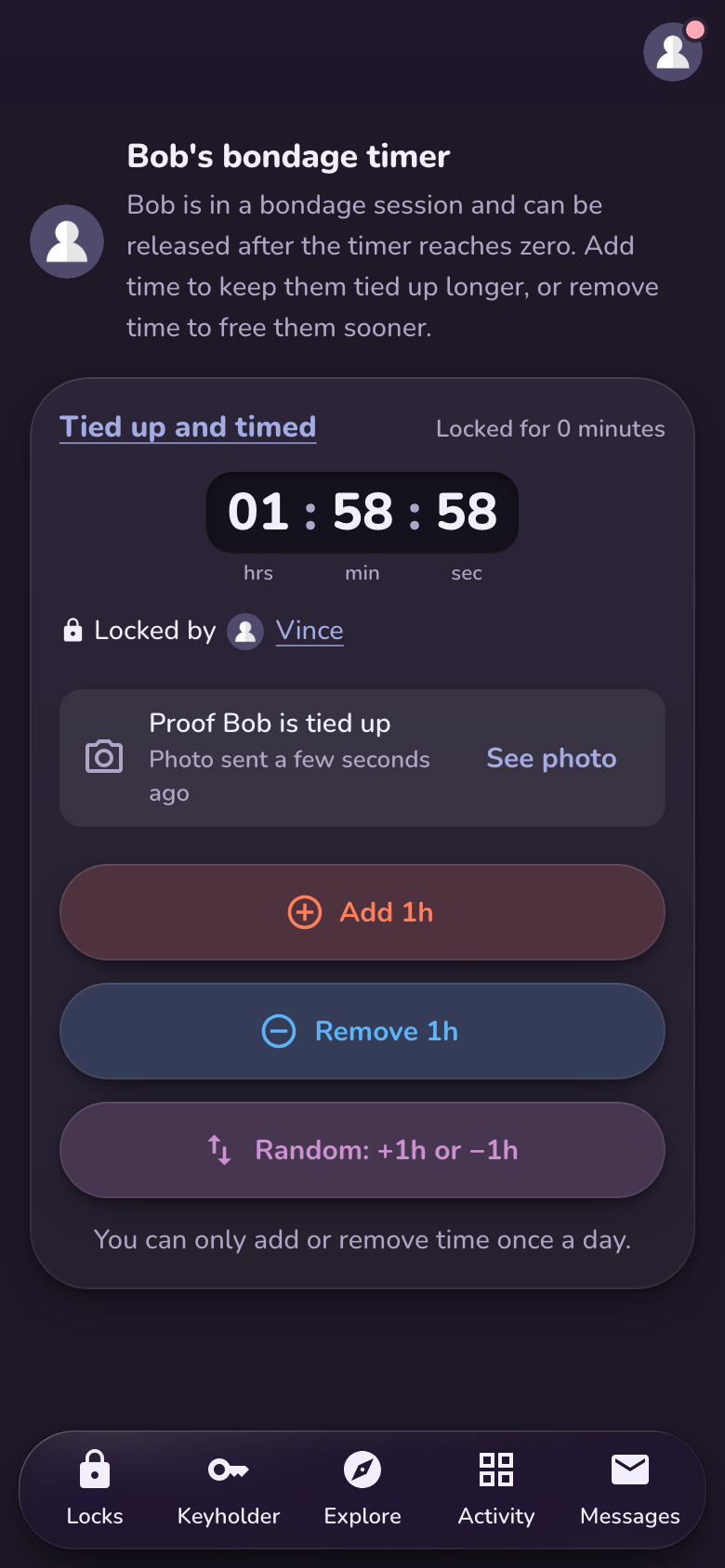
When the wearer of a bondage lock shares their shared link, the voting page speaks of a bondage session instead of a chastity device: "username's bondage timer", "Add time to keep them tied up longer, or remove time to free them sooner." Link previews use the same title.
Your calendar
Bondage days appear in violet in the activity calendar of your profile and statistics, with a Bondage legend. A day with both a chastity and a bondage lock is split in two colors.